MyXcodeHelper
A menu bar toolkit for Apple developers
A native macOS menu bar utility that keeps the reference tools iOS and macOS developers reach for every day one click away. No Dock icon, no clutter - just a hammer in your menu bar.
What's inside
Device Resolutions
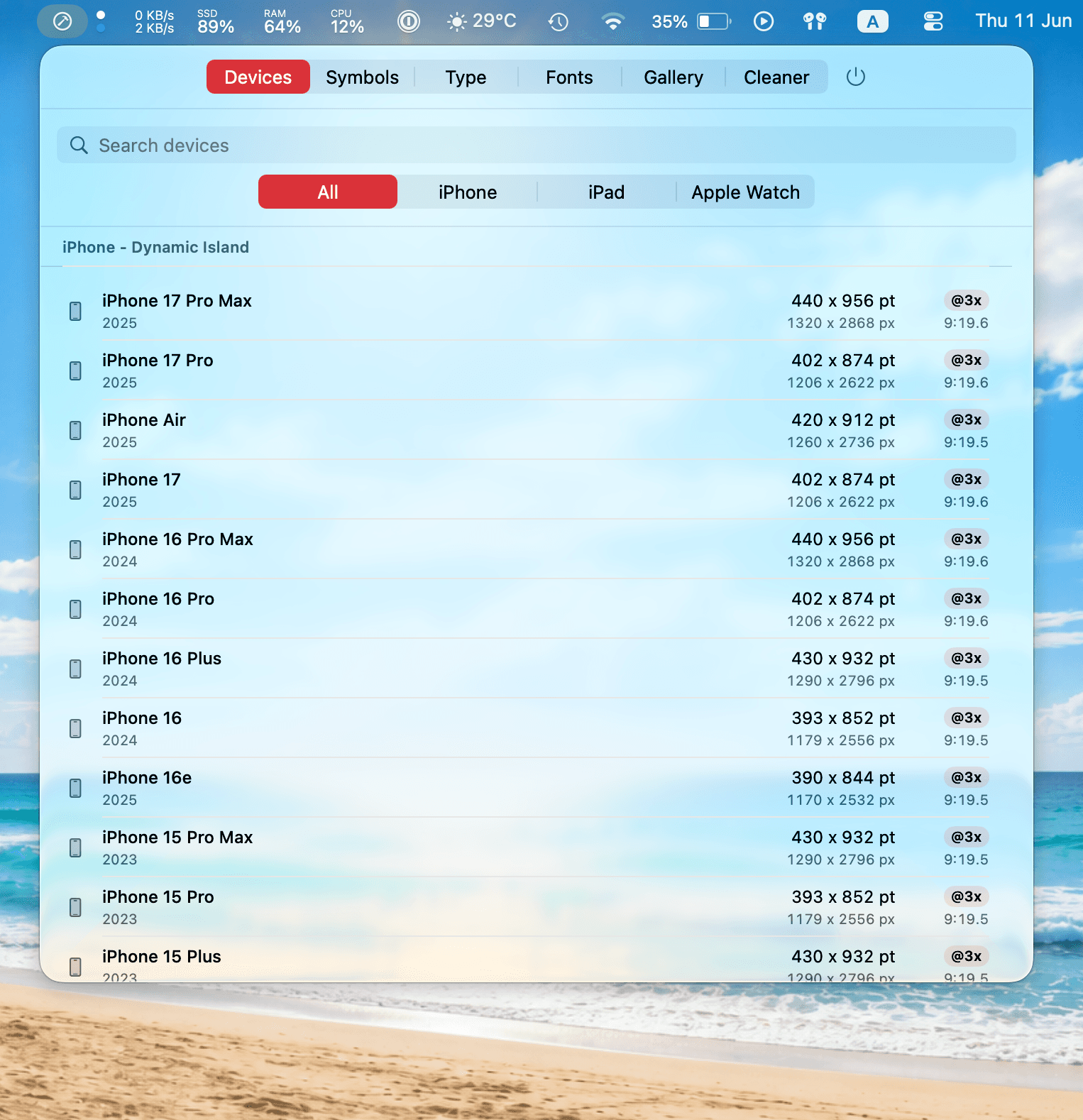
A searchable database of iPhone, iPad, and Apple Watch displays - logical points, physical pixels, scale factors, and aspect ratios, organized by generation.
SF Symbols Browser
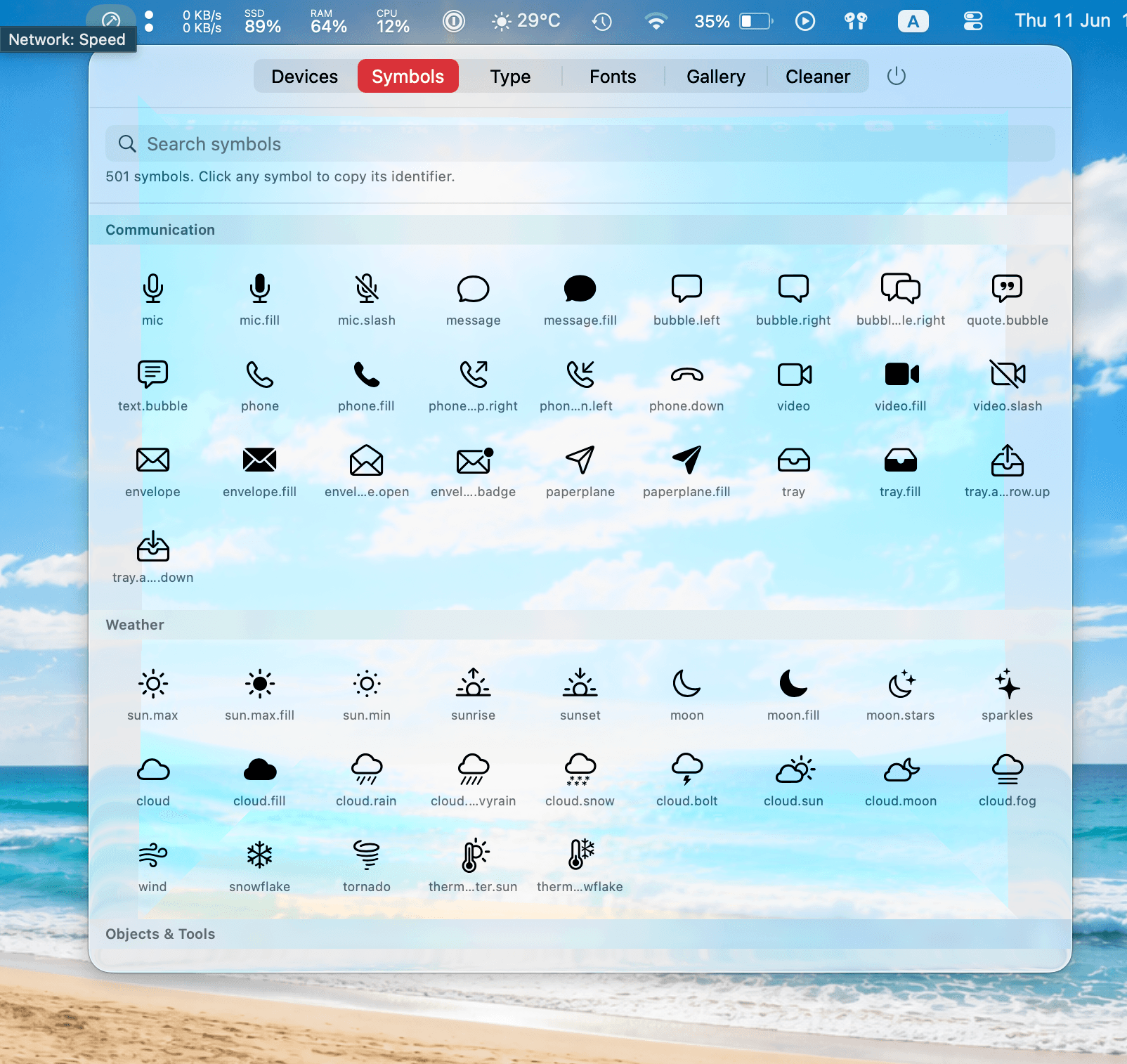
Around 500 core SF Symbols in a searchable grid. Click any symbol to copy its identifier straight to your clipboard.
Dynamic Type Previewer
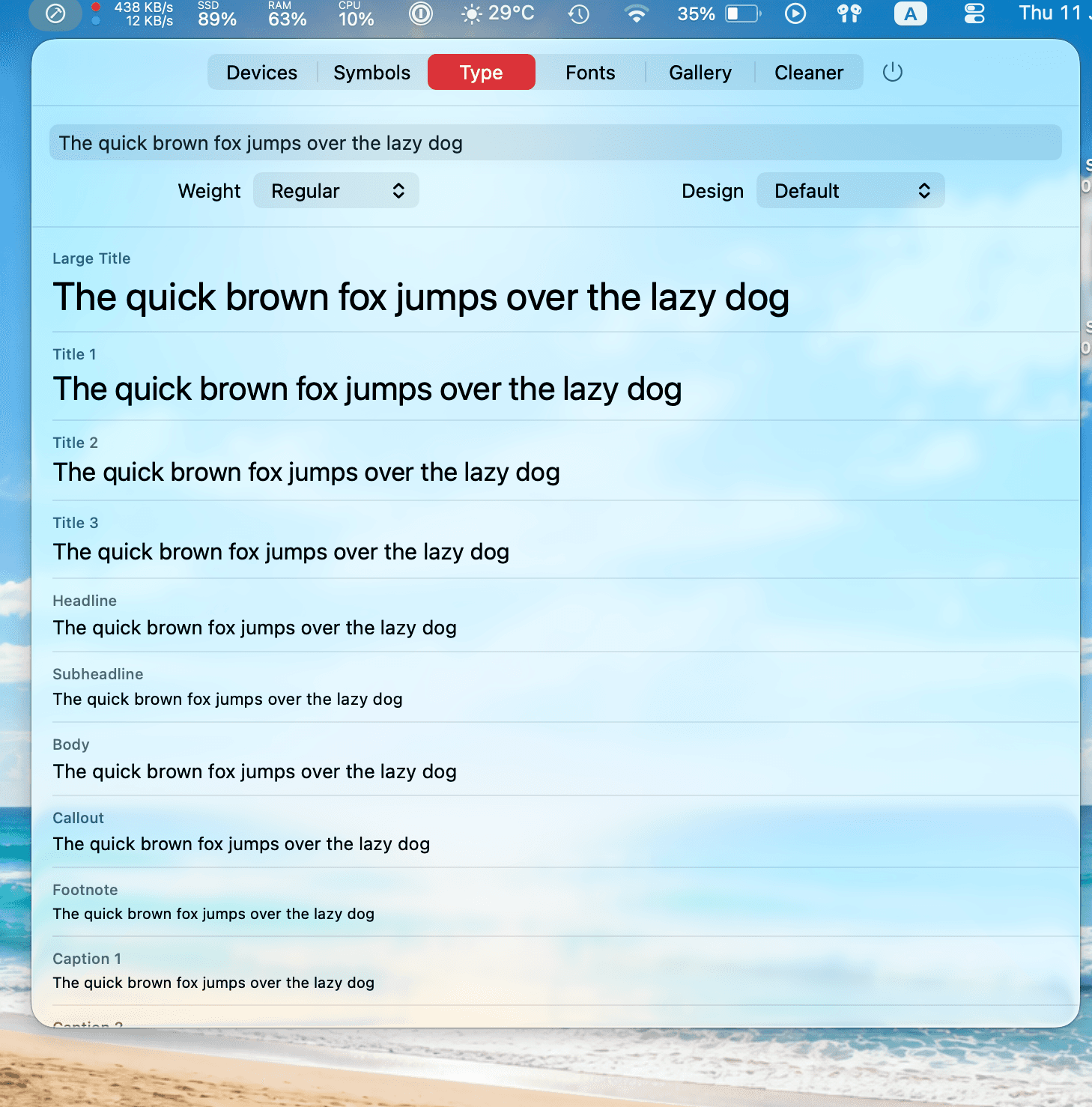
Render your own text across all eleven text styles with live controls for weight (Ultra Light to Black) and design - Default, Serif, Monospaced, Rounded.
Font Inspector
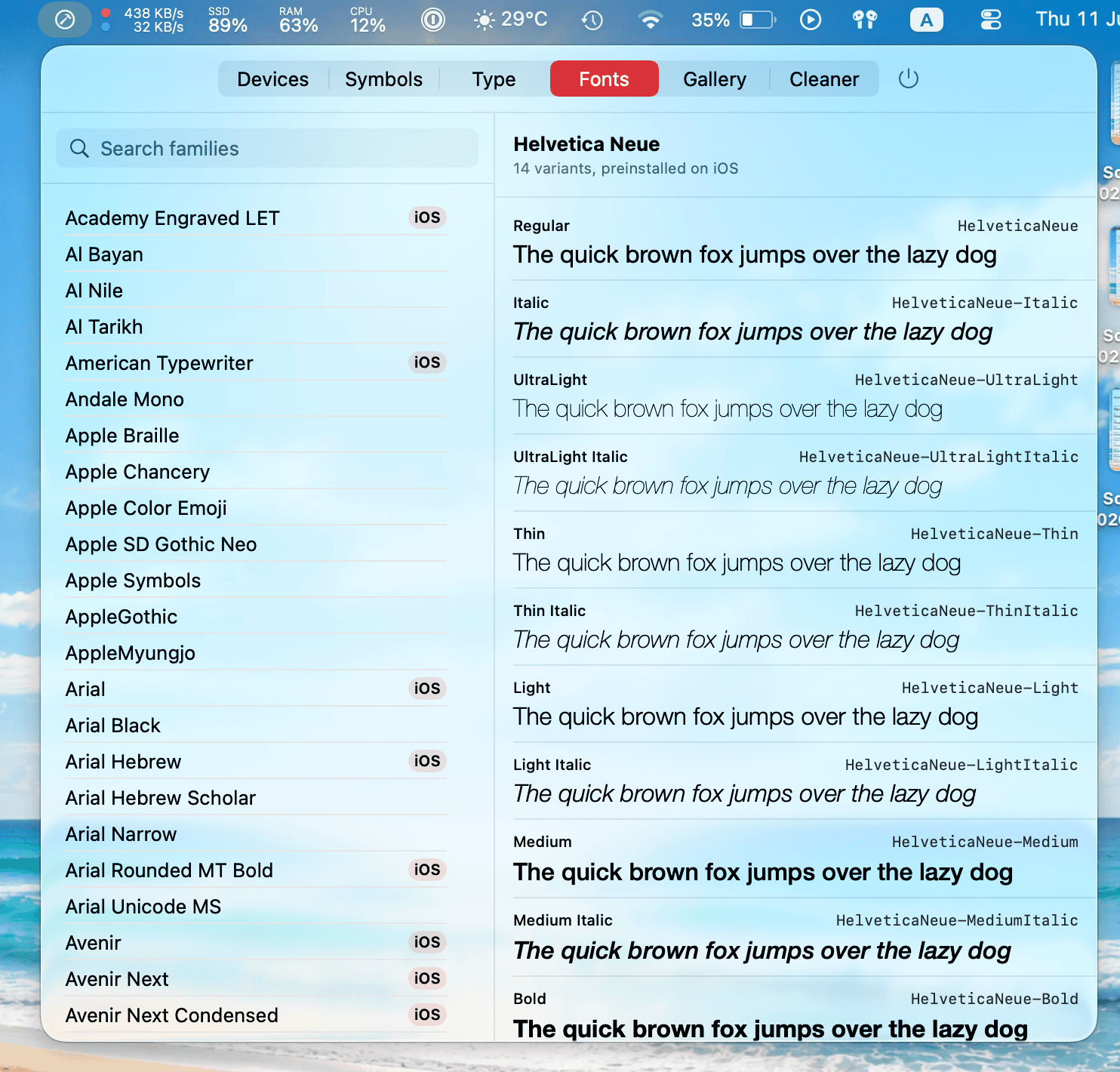
Every installed font family and variant rendered in its native typeface, with PostScript names. Pre-installed iOS fonts are badged for quick identification.
SwiftUI Components Gallery
58 native SwiftUI components across 8 categories, each with an interactive preview and a copyable code snippet.
Dev Cache Cleaner
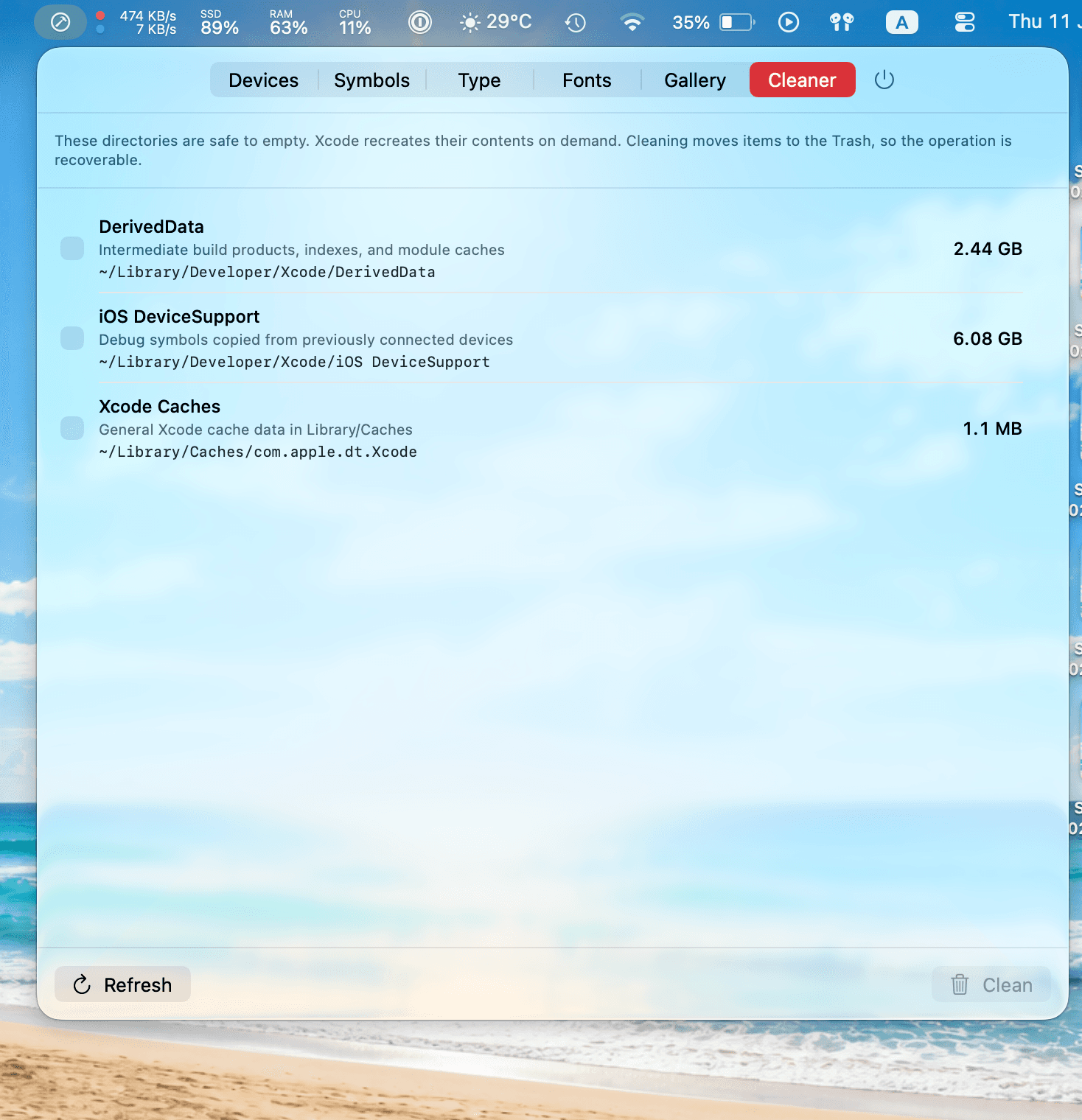
Scan and clear Xcode's cache directories - DerivedData, iOS DeviceSupport, and the Xcode cache - with recoverable deletion via the Trash.
See it in action
Six tools, one hammer in your menu bar
Everything you reach for during a build day, a click away — no Dock icon, no context switch.
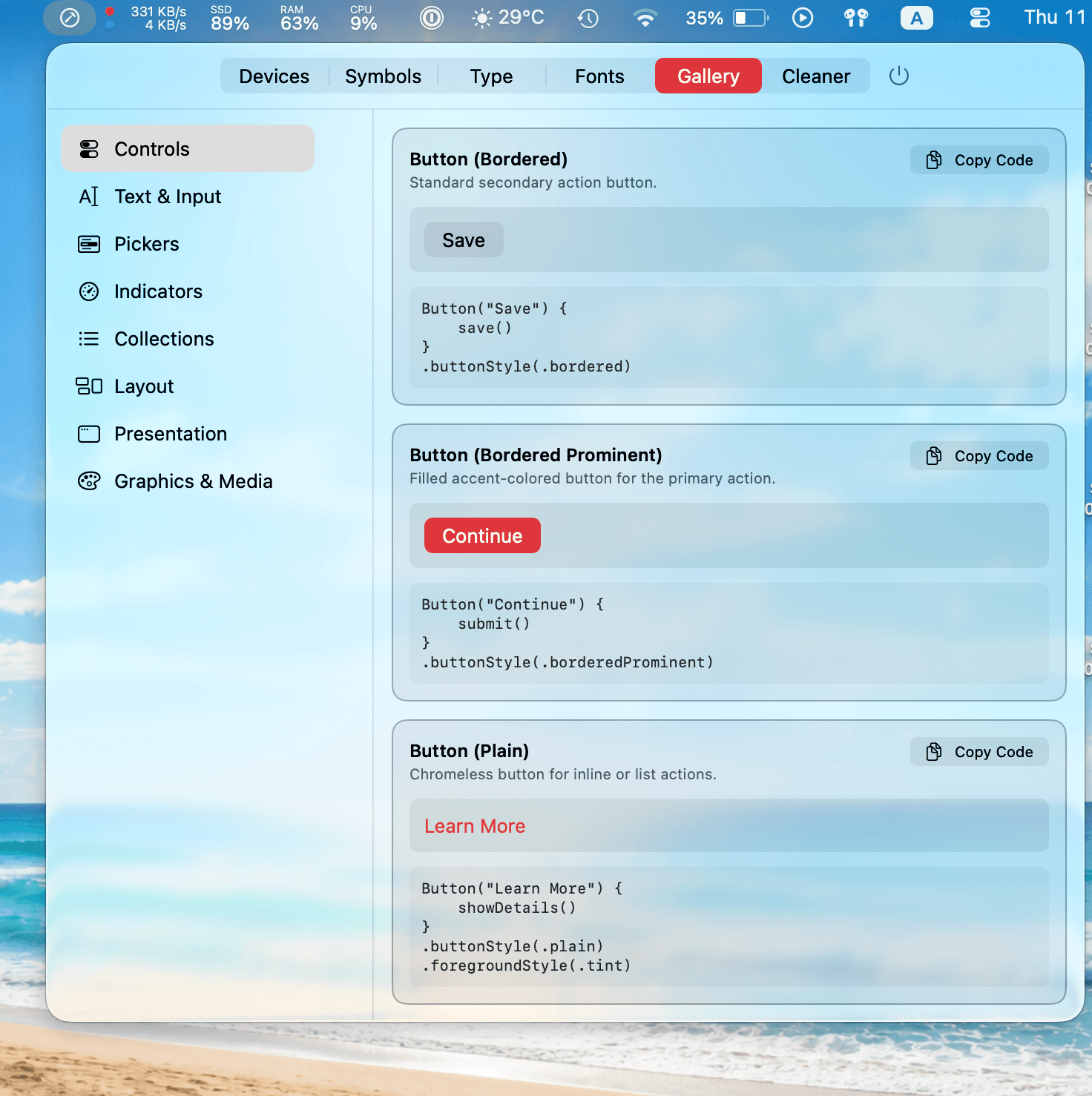
SwiftUI Components Gallery
58 native components with live previews and copy-ready snippets.
Quick install
curl -fsSL https://raw.githubusercontent.com/DorLuzgarten/MyXcodeHelper/main/install.sh | shDownloads the latest release, installs it to Applications, and clears the Gatekeeper quarantine flag automatically - no "unverified developer" warning.
- 1
Prefer a manual install?
Download the latest release, unzip it, and drag MyXcodeHelper.app into Applications. Since the app isn't notarized, right-click and choose Open the first time - or run xattr -cr /Applications/MyXcodeHelper.app.
- 2
Launch at login
Add it to System Settings → General → Login Items and the hammer is always one click away in your menu bar.
Free and open source under the MIT license. Built for macOS 14 Sonoma or later, on Apple Silicon and Intel.